








Skip to content
View in the app

A better way to browse. Learn more.

American Jeeper

A full-screen app on your home screen with push notifications, badges and more.

To install this app on iOS and iPadOS
  1. Tap the Share icon in Safari
  2. Scroll the menu and tap Add to Home Screen.
  3. Tap Add in the top-right corner.
To install this app on Android
  1. Tap the 3-dot menu (⋮) in the top-right corner of the browser.
  2. Tap Add to Home screen or Install app.
  3. Confirm by tapping Install.

Featured Images

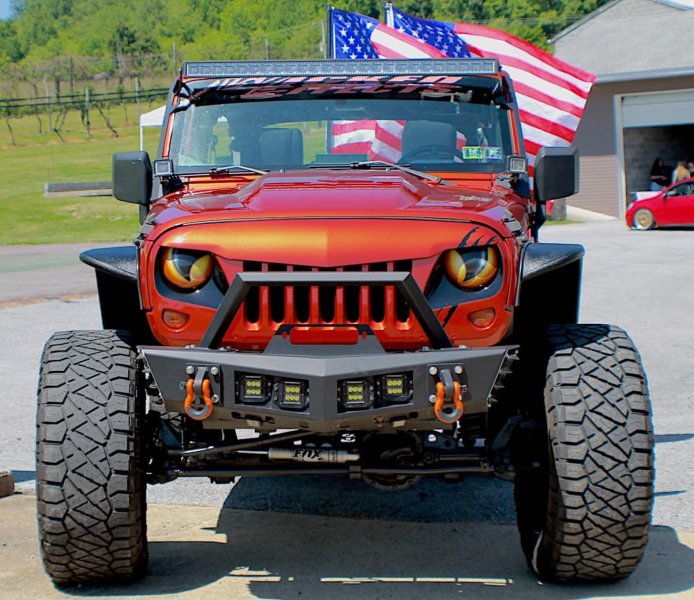
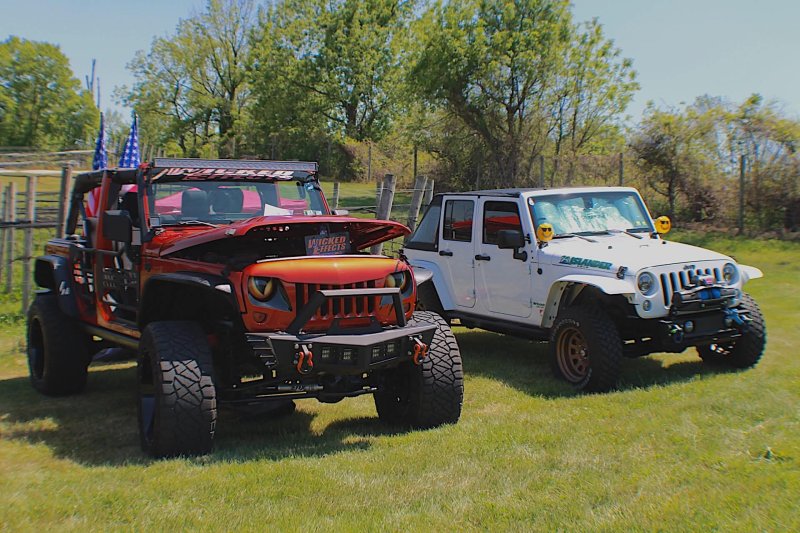
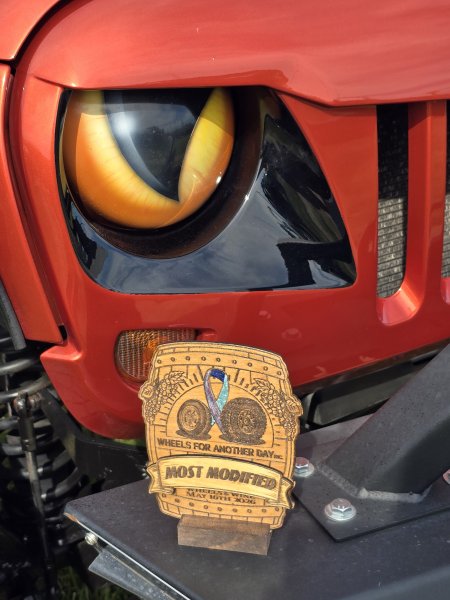
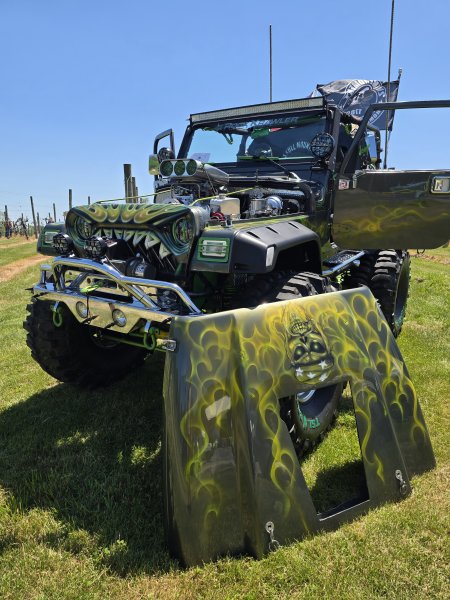
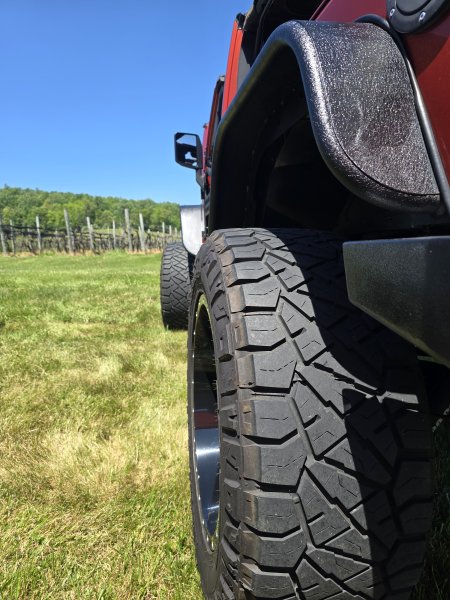
A few pics from go topless day

  • Jeepers

inbound1631076764174095764.jpginbound437439252971919071.jpginbound1605802968924802551.jpginbound5725516426223968149.jpginbound3498154928256362827.jpginbound1630567476018828089.jpginbound7913490714829964580.jpg

Featured Replies

  • Admin

Nice

Looks like your getting some competition from greenie there 😉

Here I go Again...

ezgiFlag-resize.gif

 Mark@AmericanJeeper.Com

  • Jeepers

Very cool 😎 we also had a go topless day over the weekend To raise money for a local domestic violence shelter 🥰 beautiful day and good people! For some reason , it's not allowing me to add pictures🤷🤣

  • Jeepers

Nice looking Jeeps.

  • Admin

I moved you to here for general chit chat...

They look great bye the way...

Here I go Again...

ezgiFlag-resize.gif

 Mark@AmericanJeeper.Com

  • Jeepers

Our go topless day this past Saturday. 1st one we have been able to attend in a while. Beautiful day

20260516_100953.jpg

20260516_100957.jpg

20260516_101009.jpg

20260516_101025.jpg

20260516_105607.jpg

20260516_123239.jpg

20260516_131505.jpg

20260516_131548.jpg

20260516_131711.jpg

20260516_131753.jpg

  • 2 weeks later...
  • Admin
On 5/18/2026 at 8:38 AM, Jodi Clark Purvis said:

Very cool 😎 we also had a go topless day over the weekend To raise money for a local domestic violence shelter 🥰 beautiful day and good people! For some reason , it's not allowing me to add pictures🤷🤣

Did you figure this out ?

Here I go Again...

ezgiFlag-resize.gif

 Mark@AmericanJeeper.Com

Account

Navigation

Search

Search

Configure browser push notifications

Chrome (Android)
  1. Tap the lock icon next to the address bar.
  2. Tap Permissions → Notifications.
  3. Adjust your preference.
Chrome (Desktop)
  1. Click the padlock icon in the address bar.
  2. Select Site settings.
  3. Find Notifications and adjust your preference.