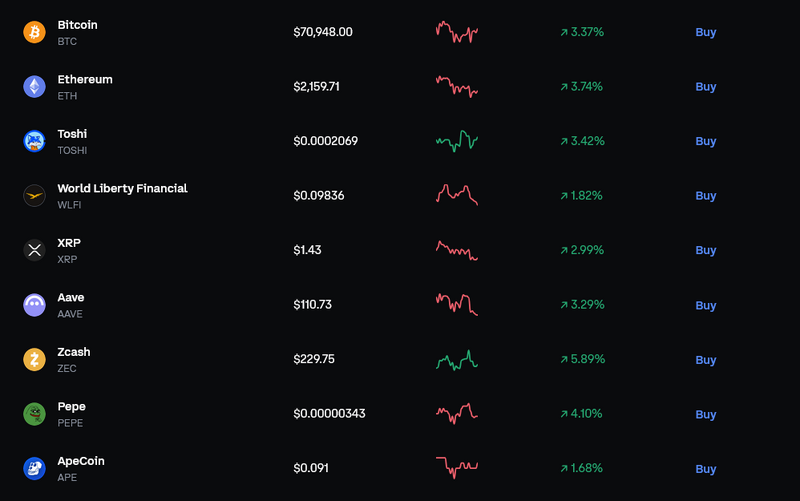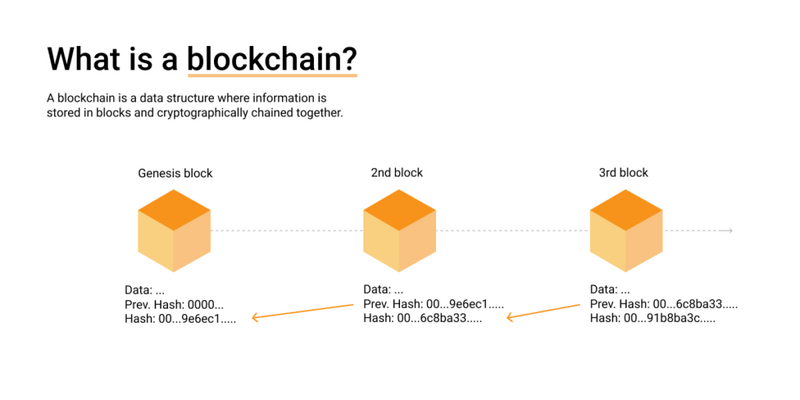





$AMJR crypto is now live!
Contract Address:
0xca28c31733e1e8b2893b51bb2fe51bb442377777
American Jeeper Forums
-
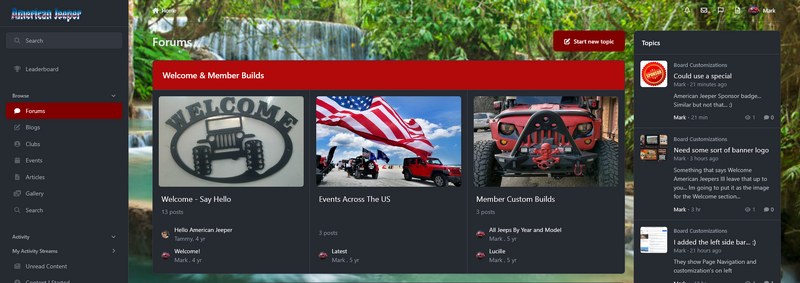
Welcome & Member Builds
-
American Jeeper Contest
-
Jeeps
-
- 0 posts
-
- 0 posts
-
- 0 posts
-
- 0 posts
-
- 0 posts
-
- 0 posts
-
- 0 posts
-
- 0 posts
-
-
Wheeling Locations
-
Investing
-
Discussions about The AmericanJeeper.com Crypto Coin $AMJR
Launched on Coinbase and Backed by Toshi...
- 45 posts
-
Guides Resources and Explanations
- 28 posts
-
-
Kicking Back Area
-
- 0 posts
-
- 0 posts
-
- 0 posts
-
- 0 posts
-
- 0 posts
-
- 0 posts
-
Site Related
-
- 0 posts
-
Open Discussions between Members and Site Admin
- 15 posts
-
Truth Seekers
-
Scammers
-
Admin
-
Club Forums
-
- 0 posts
-