
View in the app
A better way to browse. Learn more.
A better way to browse. Learn more.
A full-screen app on your home screen with push notifications, badges and more.
This is New takes only a second its about all of us and respect..Have at it...:) and Welcome...




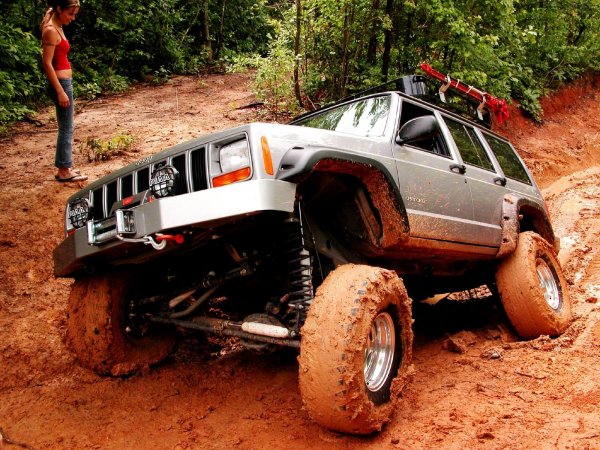

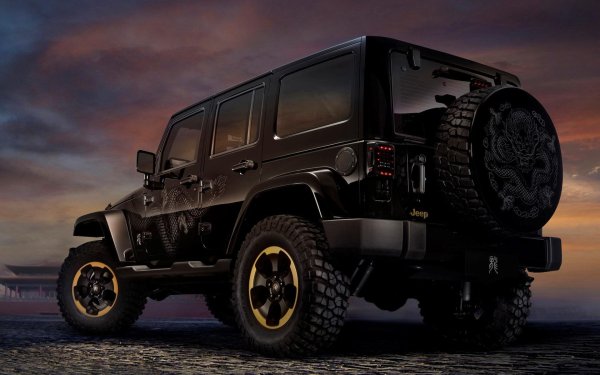
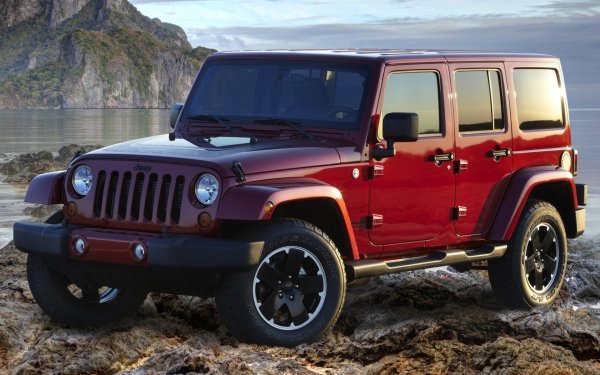
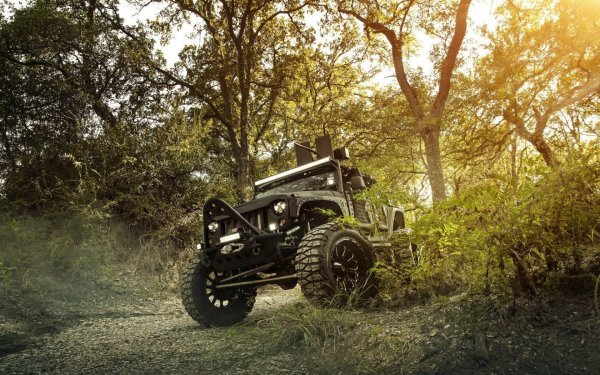
So I got my Star Link Mini
Included free with my Star link home unit
Since I opted for max plan at 120 a month
The normal service for home would be 80 so I figured I get the mini and max speed service and all equipment was free about 800 bucks
So basically 20 months and im still breaking even...
So I wanted to mount inside jeep and noticed hard top mounts outside blah blah blah...
Inside mounts again hard tops and thought I may want to run my soft top so what options are there and there are a few, one is 750 bucks...
Instead I bought the following set up
The step up 12V plug at rear of jeep set up 32.00
Aircraft Aluminum mount arm for 1.5" ball size 40.00
1~ 1.5" Ball Mount with two holes they have different options... 16.00
1~ 1.5" ball mount they both ar 1/4 x 20 in case you miss that 15.00
Star Link Tri Pod adapter for 1/4 x 20 threaded 1.5" Ball 11.00
Star link Soft cover Gel with black decal sticker to cover front side 21.00 Does not impede performance...
All for 114.00 and thats with the upgraded power supply thats designed for the mini from 12v not they wont work but if your running it constantly like I will it could lead to buzzing or weaker signal later down the road and for 20 bucks more you get the step up over a star link DC plug so why not...
It will be installed in the back seat are of the roof line behind driver seat as show in the last image...
Ill post pics when Im done...
I will be able to run it all the time even in rain...
It will be usable for both top styles and its barely over 100 bucks for everything...
Win win win...
🙂
https://www.amazon.com/dp/B0CM8THBYB?ref_=ppx_hzod_title_dt_b_fed_asin_title_1_0
https://www.amazon.com/dp/B08FVGQJN8?ref_=ppx_hzod_title_dt_b_fed_asin_title_1_1
https://www.amazon.com/dp/B0CYWP457K?ref_=ppx_hzod_title_dt_b_fed_asin_title_2_0
https://www.amazon.com/dp/B0FCXZKWNZ?ref_=ppx_hzod_title_dt_b_fed_asin_title_3_0
https://www.amazon.com/dp/B0FMDZHQ27?ref=ppx_yo2ov_dt_b_fed_asin_title
https://www.amazon.com/dp/B0DZ639WZY?ref=ppx_yo2ov_dt_b_fed_asin_title&th=1
Here I go Again...
Mark@AmericanJeeper.Com
Link to comment
https://americanjeeper.com/topic/787-star-link-mounting-options-for-soft-and-hard-top-use-secured-inside-jeep/Share on other sites