




ndkshns
Jeepers
-
Joined
-
Last visited
-
Anyone else see that the BoH app is giving an America 250 badge on the 4th? Just have yo log in from anywhere.
-
-
-
-
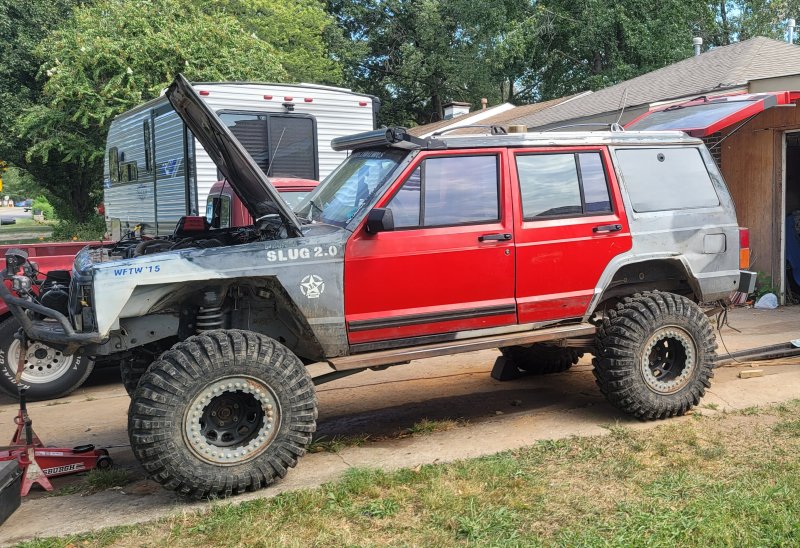
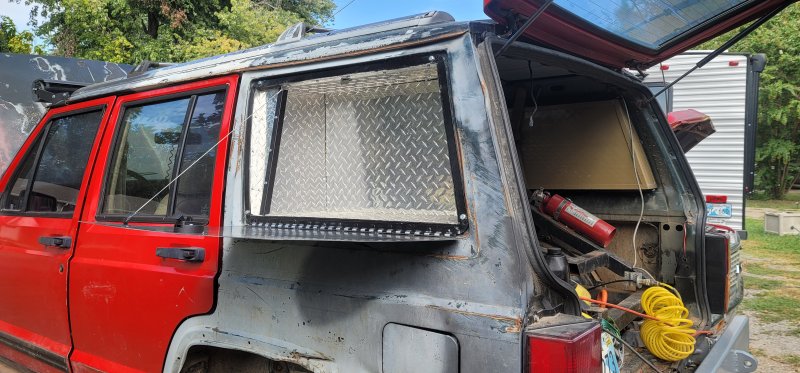
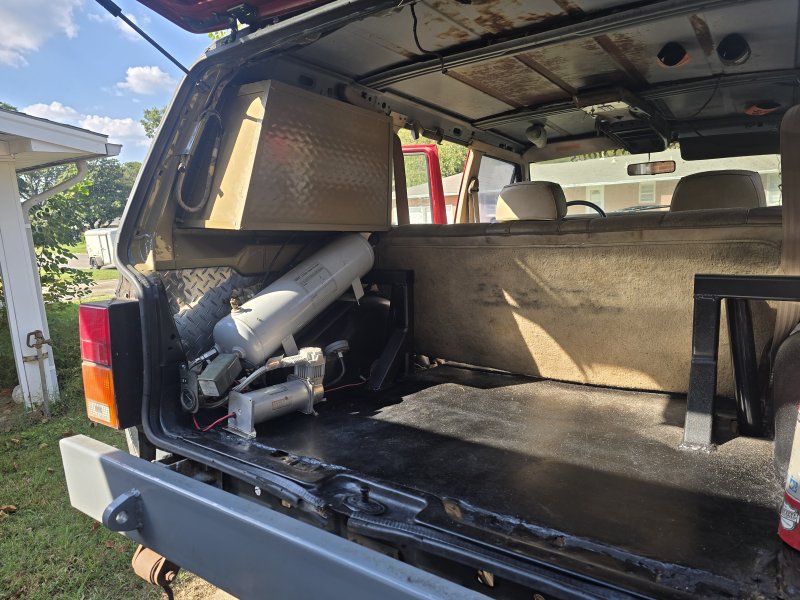
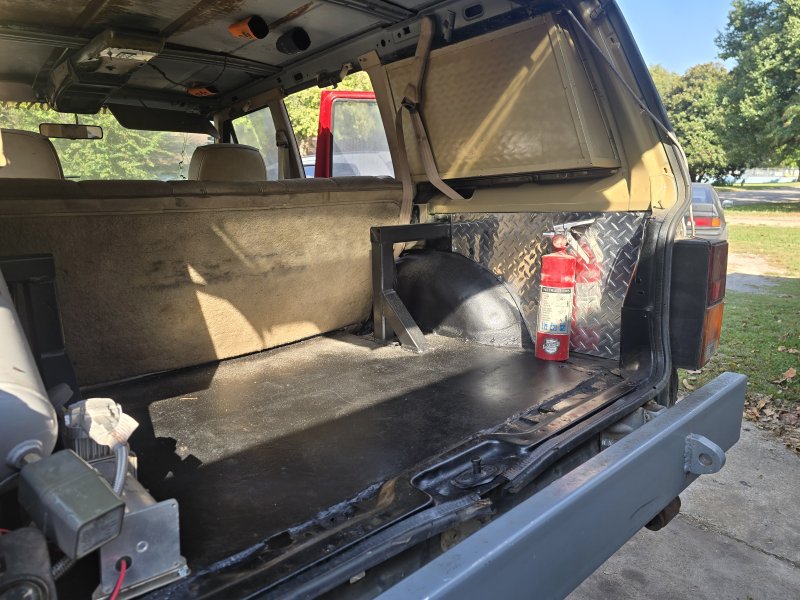
Right. I named my XJ slug 2.0, 2.0 because there was a slug 1. I often tell people I should have named it clank bc of the spartan locker that i had used to pop so loud people thought I broke something.
-
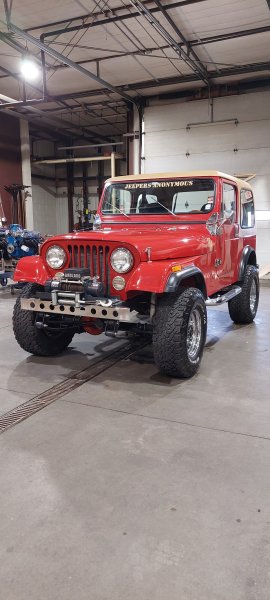
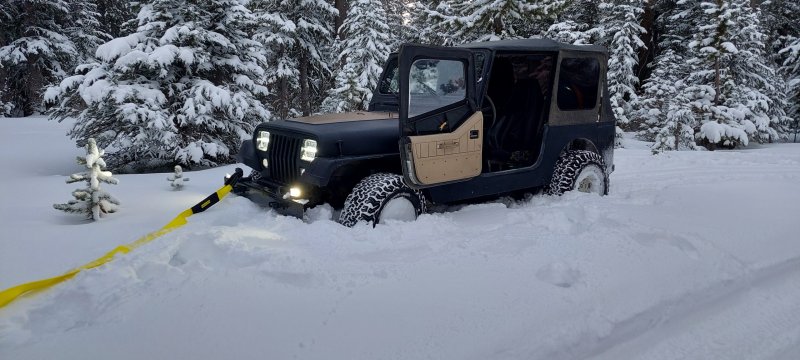
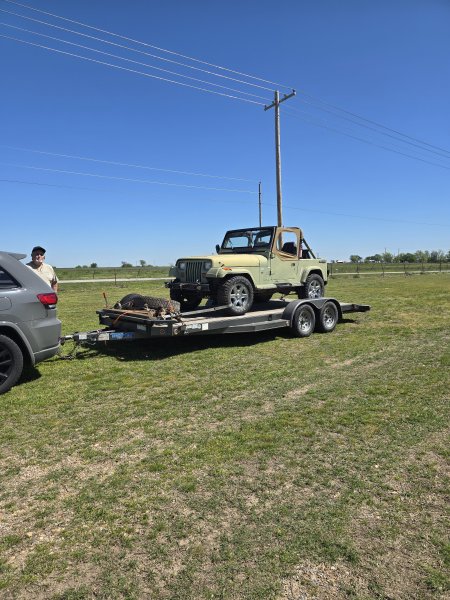
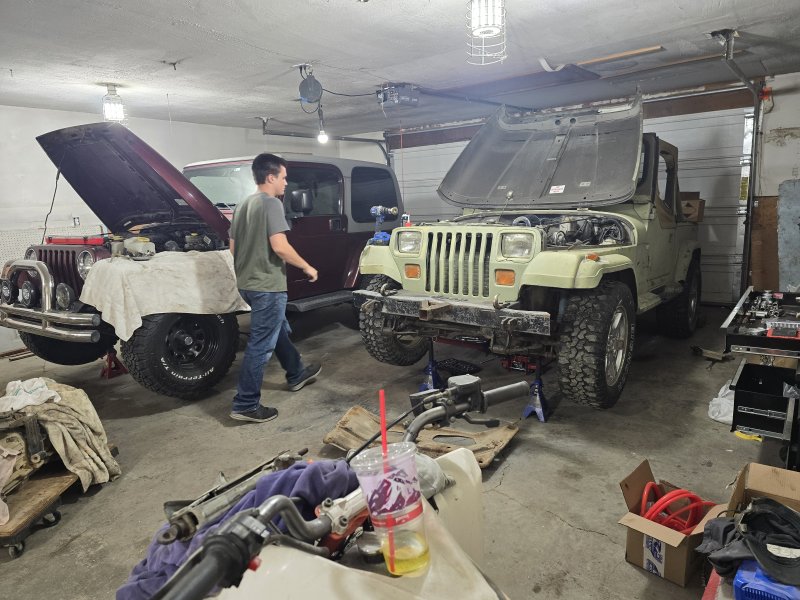
This is "The Ant Colony" last year we pulled it out of a junkyard. No brakes, no clutch, no top, but ran. My son put new brakes, clutch, top, lift, rattle can paint job. We towed it to Wyoming where he did a bit more to it and wheeled it over the winter. Oh bc it was in a junk yard, the ants made it their home. He fought them for months.
-
-
Thank you defiantly a labor of love
-
-
Hello all just wanted to post up one of my Jeeps. This is Primm Rose my 84 CJ7