
View in the app
A better way to browse. Learn more.
A better way to browse. Learn more.
A full-screen app on your home screen with push notifications, badges and more.
This is New takes only a second its about all of us and respect..Have at it...:) and Welcome...







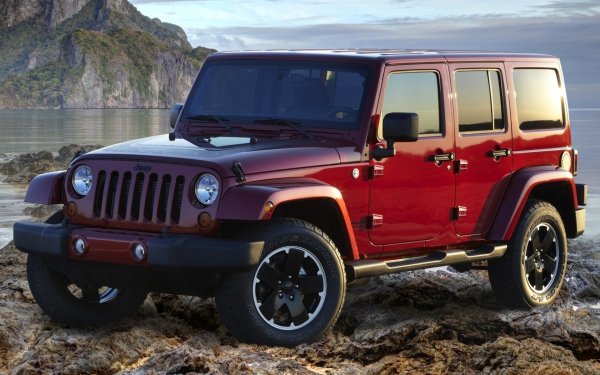


I will post about Future Coin Launches I have planned in my website here...
https://americanjeeper.com/forum/143-american-jeeper-crypto-investment-opportunitys/
I already am working on securing advertising for the website Via American Jeeper .com Coin
And Ill be launching a new Coin Dec 13th It will as all Coins I create will Include the Name American ----------- Coin
I also will be launching an additional Coin In Jan 13th American ---------- Coin....
I will List what Project I'll be launching date and time and the Name and Ticker as soon as it goes live for any interested people who would like to really make money on crypto for a change and take the game away from fraudsters and people who lie cheat and steal to make their money...
I want everyone to be able to make money and share in the growth and prosperity of crypto projects...
Stay Tuned... :)
A whole lot more to come...
Here I go Again...
Mark@AmericanJeeper.Com