
View in the app
A better way to browse. Learn more.
A better way to browse. Learn more.
A full-screen app on your home screen with push notifications, badges and more.
This is New takes only a second its about all of us and respect..Have at it...:) and Welcome...







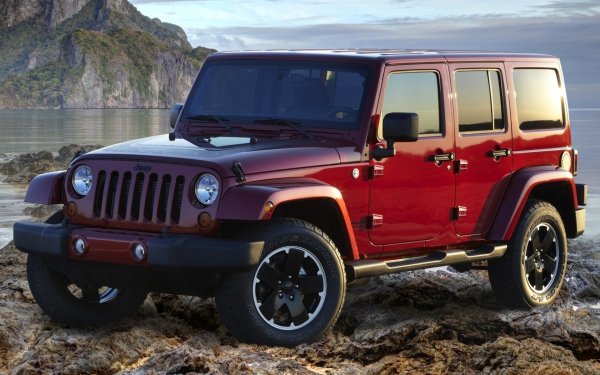


🚨 WELCOME TO THE AMERICANJEEPER Community!🚨
($AMJR) is a community-centered cryptocurrency inspired by Jeep ownership, off-road exploration, independence, adventure, and community spirit.
The project aims to connect automotive enthusiasts, Jeep owners, off-road explorers, and blockchain communities through a shared digital identity.
📊 TOKEN INFORMATION
Token Name: AmericanJeeper.com
Ticker: $AMJR
Blockchain: Base Network
Total Supply:1,000,000,000 #AMJR
Official Contract Address:
0xca28c31733e1e8b2893b51bb2fe51bb442377777
🔗 OFFICIAL PROJECT LINKS
🌐 Website:
📊 Dexscreener:
📄 Whitepaper:
🐦 X (Twitter):
📢 Telegram Community:
▶️ YouTube:
👥 Reddit Community: