




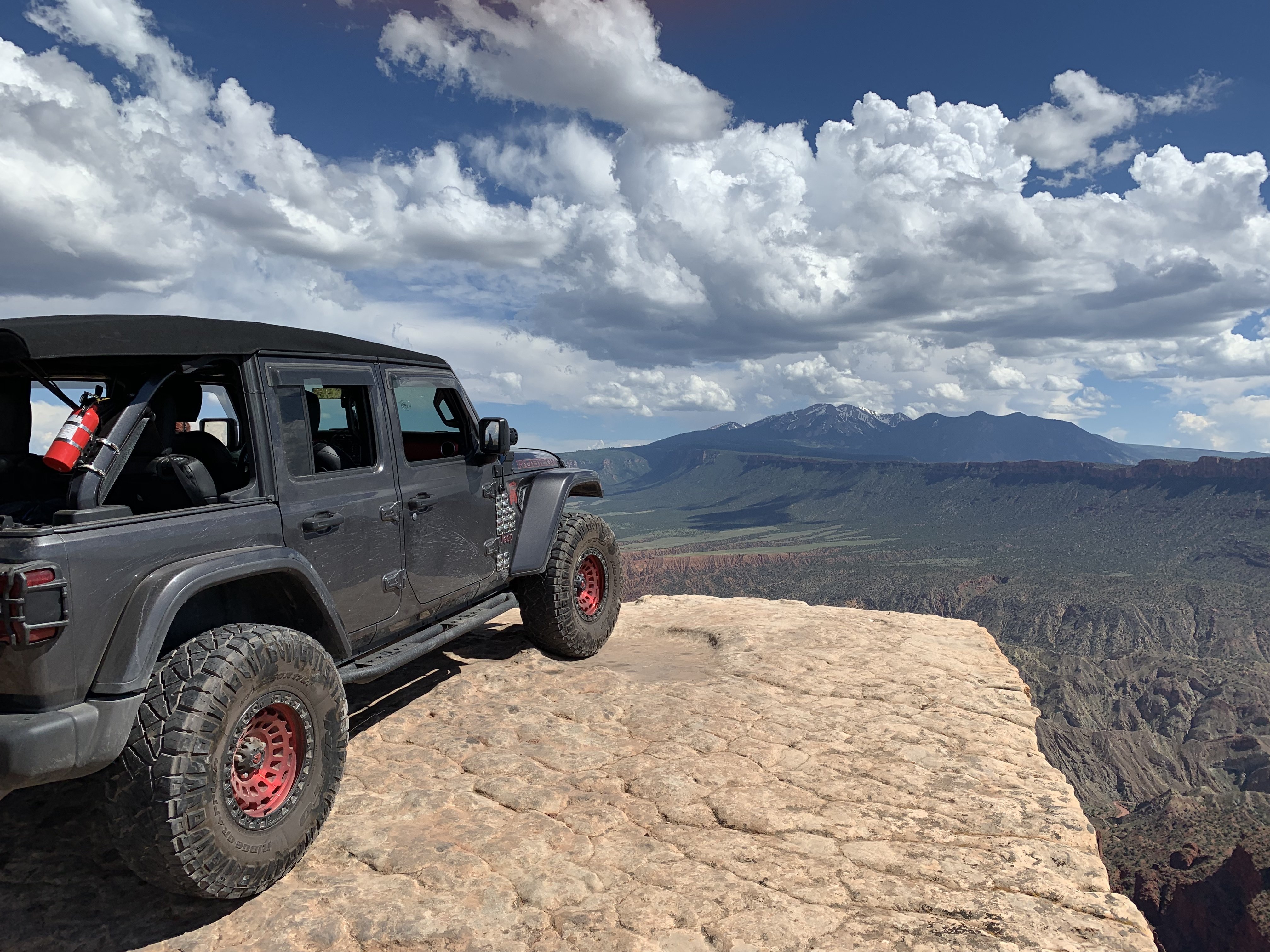

Mark
Admin
-
Joined
-
Last visited
Everything posted by Mark
-
'I am not a Russian or a hacker': Repairman who handed over Hunter's laptop releases YouTube video | Daily Mail Online WWW.DAILYMAIL.CO.UK John Paul Mac Isaac, an IT engineer who was brought three laptops by Hunter Biden in April 2019, has insisted he is not a Russian spy and not a hacker in a new YouTube video.
-
Sorry to dash hopes again... but the video of The General is from back early dec along the same time Flynn stated the same thing... I was not able to fact check and Yes You are correct Maam... Im starting to come up with some stuff but its late again... Tomorrow I have to do boat loads of laundry clean the entire house we rented and pack the jeep so I can depart Friday at 12 to go up to Ga... and of course right after we leave the weather breaks back up in to the mid to upper 70s this week has been cold droppoing into the high 50s at night and only up to maybe 70 and miserable looking... 🙂 I know I know... save that shit... 🙂
-
What bothers me most about her Impeachment speech... She Mentions Lincoln and Washington like she gives a shit about our constitution... Things like the 2nd amendment come to mind... lol Then she says the will of the people ... what a crock that one is... You mean the will of the criminals... We all Know Nancy we are watching...
-
Here ya go gonna take ya while... Lots of files... While Im watching videos trying to catch back up... I ran across these... I do the instructional reads on the site tomorrow... Of course if you read these leave some comments... 🙂
-
If You want to add me as a Friend Please Do so... Im not adding anyone unless requested though its a giant list I have- Im tired of FB wasting my time. Thx. I posted this on my jeep page...:) Let me say this...I ran a VPN after I had already deleted the cache of my web browser and removal of all of My Previous FB accounts and log in information... Then I rebooted... I know that sounds very odd... Then I turned on My Norton VPN and I also started Nord they conflicted and I was off line so I know they work... I got back on line and running Nord with US IP signed up and instantly it banned my account even before I was logged in at all... I removed all that information, I literally had to call my sister in another state and get her to create and account I also know they had banned all my account emails used in the past- even news ones- My Birth name is Banned forever... SO if I ever get popped again... Im done with FB and the Censor Po POs... I hope anyone reading this will at least save the webaddress and the following email because so help me god if FB removes me one more time Im NOT going through all this crap again to show suppoprt for a fake Media company Banning free speech of the members who keep it up and running even if its just my 40 folks there now... I seriously am over FB... I did it for the Jeeps and YOU Folks ONLY... Mark@AmericanJeeper.us this is the last time ever... Mark Jeeper | Facebook WWW.FACEBOOK.COM Mark Jeeper is on Facebook. Join Facebook to connect with Mark Jeeper and others you may know. Facebook gives people the power to share and makes the world more open and connected.Take this with some salt... wait a New thread... Kim Clements I mean 2008 PeopleThey will after his term is Over ...They will never let Trump get back in he has too much power from the people... Then they wouldnt worry about anything he did and he wouldnt have to worry about being taken out as much... Thats my take on things... However I still think they dont know what coming...:)The Senate will now have a debate and Vote also Probably Voting on 1/19/21... Hes not toast Yet, and the only reason- To prevent him from being eligible to ever run again... These Folks do not realize (all The Republicans ) are committing Political Suicide... 🙂Well I mean why say anything if the new administration is coming in we all know they leave Maybe its just fodder but I feel like he wants the people who follow him to still have his address... and all either way 7 days left... We will all be crushed or we will see victory... Stay tunedIll be bringing stuff here either way...So Utube threatened to Remove Simon Parks so instead he moved... 🙂Sorry I made an error The hit list was 2,200,000 I was 17 🙂 lol Ill eaxplain later why DTV even thought they had me and it wasnt who they thought I was ... Ill be back relax.. we got thisThe site is now up to date and should be running flawlessly Mostly...LOL I am getting so many emails from friends and people I havent even spoken to in yrs... Im still here... I have to create My Jeep log in at FB for my followers in my Jeep group ...Really wished they listened and came here but Fine I started it Ill finish it despite the FB attempt's to squash me...Like a Little Bug Man... I am nad have been checking things off the list one by one but I had twenty different list _its a daunting task and monumental so get so much done in such a short time... Because I wasnt worried about having this website online but after all the Censorship and recent activity I had no other choice... I believe beyond a shadow of a doubt Unlike a week ago when we all though hope was lost Now I fear its gonna be really bad for them... I go in to this in other threads later as I wind down the items that remain still on my list I am here you are here survive a while and put your big boy pants on and buckle up Buttercups... Its gonna be epic ...:) Ok hang in there a little while longer... I will address the issues of people who dont understand how to navigate and get around and perform on this type of platform maybe others who know can assist in here... I am willing to make each and everyone of you all moderators just like on my old FB pages except the jeep one... I will help you get efficient and you will see this is a better platform for mass data and so much easier to navigate than FB if you watch and pay attention things will start to just fall right into place Ill write some step by step guides to help kick your asses into gear... Thats all later today and through the night I wont sleep tonight until This portion is all laid out for you with some ease... Thats after I create my FB log in once again so I dont desert My Jeeper friends and my 4000 plus group on FB that continues to ask wheres Mark and will he be back I wish they had been willing to simply come here and walk away but they are reluctant I will not abandon them so I will absolutely not post anything on FB other then a hello to an old friend and in my jeep group Nothing Im tired fo constantly fighting them to be on their platform when I have my own... Thats first Second I will Take care of members who think they had log in errors emails they never received otr whatever preventing them to be here and take part with all of us... Then I will return and address the guides and start filling the pages with content like you never saw a guy do so fast from all sorts of places from all corners of earth from to what we all see daily... I will then start to verify and validate what I can and say what I cant ... Ill be back later hang tight a day or so and watch me go I thrive and stay busy until I must sleep because I start to nod off make gibberish post and fall asleep at the computer to wake up and dive right back in Im laid off and I honestly cant think of a better way to spend my time right now if nothing else fighting to help spread Freedom of speech... One of my first website other than Hacking Direct Tv where I learned how to do all this from... Was called Freedomofspeech .cc I let it go because I was tiny and not many ever even found me... I never took a class on building websites I learned it from when I was writing codes to unlock peoples DTV so they could get everything free... and I got bored bacause my files never got hit, I engineered a set of 16 files that had a combination of ever possible code DTV could send down the wire I was Inspect Im and Inspector for power plants Natural gas refineries and paper mills and chemical plants specializing in high pressure welds and I learned and became the project chief without mech engineering and also a QAQC manager over power plant construction... Still what I do for a living today....all the while I hacked DTV and got so bored I wrote a book that was 65 pages long a 9 yr old used to program her family's TV I shit you not They estimated once I went to speak to them Ill explain that all later much later after all this is over... but They dropped everything against me for me to teach DTV and their tech dept how I wrote came up with and created those 16 files and then they told me I had cost them upwards of over 300,000 in lost TV sales alone because 45,000 people had downloaded and listened and ran those files... Only to learn I had written a file set that no matter what they did they still even after teaching them coulndt turn them off- They werent exactly happy... I had feds talking to me threatening me with terrorist activities under the 2001 Home land security Laws against terrorist because even the CIA and NSA and FBI couldnt track me online or even get one credible Identity on me... I owned and ran websites and Bulletin boards since Vbulletin was 1.8 version they are years and many platforms up from there then I switched last yr to this one and learned it all from scratch... Thats a little bit tiny snippet of who I am and some of the things I can do... I had three charges against me all dropped for my cooperation with DTV I never turned in a single end user They insisted and I told them I would fight them in court because well they couldnt prove I was actual Inspect except by my own words...they had nothing thing... my charges dropped were as follows... Violations of the 2000 copyright laws Decryption of encrypted satellite signals and the circumvention of those signals Enabling others and facilitating and circumventing DTV ... Each Charge held - 10 yrs in federal prison with 100,000 fine I walked away Clean I had to osign a 45 page affidavit swearing to The feds and DTV all iin the same room with me in fact the feds kicked everyone out immediately once I told them who I was and locked the door and turned and said Mr White... You will now explain to us in great detail exactly how you get online... I said I paid a guy for 50 user names for access like when you drive away from your house and you need dial up to access AOL... Well the passwords were all the same and I noticed that all the user names were 7 variables Like mark3214 so I started actually creating my own and if there was an account I was let into the Broadband network via dial Up... I said it was using the networks in DC that the federal Government uses and the reason I moved to cocoa beach then was because of Nasa and they looked puzzled I said see it s this why I am able to do so much you have no idea and its so simple you guys skip right past it I said in Alexandria there are so many government officials I was working at the FBI buildings CIA building basically every single one in DC even the mint... I used to perform X ray of the concrete floors when I had become bored with steel Xray that I was taught form my dad at 13 yrs old... 🙂 I said why cocoa Beach and the Nasa reference it was the only place I could still dial up free and log in since well NASA is government run and these same people many own houses in DC I dod my homework on the network and where you could access it from free via a land line... You people were seeing me on a Broadband network thinking I had high speed data and I was using a phone line and dial up I said the reason you couldn't track me back to me by my computer and the chipset IP ID... was because its a government laptop I worked at the small business administration and they had two laptops scheduled to be incarcerated I saw them and stole them from the feds... I used their own computers after I simply whipped them clean... 🙂 ILL GET INTO THE ENTIRE ORDEAL SOME OTHER TIME... jUST know I know what Im doing and why... 🙂She just spoke live at the Capital on the news...You beat me to the Punch... I see you figured it out Did it help I moved the section up a level 🙂 See I pay attention and I know how to run this place trust me... 🙂 thanks LouThis is from Dec early in the month Im catching up now to find what is accurate and adding content also... I will get through all this and soon be moving forward with events instead of playing catch up But I also will bring in the ones we know did happen... McInerney calls for Trump to declare martial law, investigation of treason HEADLINES360-NEWS.CDN.AMPPROJECT.ORG Gen. McInerney publicly calls on President Trump to realize the seriousness of the cyber-war attack on America by invoking the Rebellion Act.Yes Sir its open to the public now still will have a glitch or off color but shes is running pretty smooth...Is where you can get the support to help you navigate or do anything here ... If You want to see other themes as we designed and built them and customized them read a post with that title as the theme below in this area and you will see what the end goal was and still is... 🙂 Ifyou simply want help then create a topic in here and let me know what I can do to assist you... 🙂 Also check out your profiles privacy settings and notifiers and all ... So you know what you can do like PM messages and other things...If you want your version of this web site to appear differently... I will check through But I did check a few, this one to me was the best looking with all features... If you look down in this image on the bottom right you will see THEME Tick that and choose a different one you can cycle through them all The Vortex one I can even get in five more different colors I just have to stop long enough to remember what I have to doo and I spotted it earlier but I was on the phone trying to explain Trump was still in and everything that ties together since Hillary and Obama,, to a co worker who asked ... I had at least 12 windows open was using the Tv the computer and all together... Fixing log ins and manually adding a friend here and stream lining the these all at the exactl same time... and My FB went Poof also... and I was collecting a tid bit here and their along the way... Tomorrow I can look at the skins again other themes... Fihure out where the content went I was checking on and adding too add more threads of topics (would be great if I get some help this is for eveyone not me alone...lol and I will add more content... no doubt... So I know one thing... Tomorrow for me will be 200% better than my day today... 🙂

Important Information
This is New takes only a second its about all of us and respect..Have at it...:) and Welcome...
Account
Navigation
Search
Configure browser push notifications
Chrome (Android)
- Tap the lock icon next to the address bar.
- Tap Permissions → Notifications.
- Adjust your preference.
Chrome (Desktop)
- Click the padlock icon in the address bar.
- Select Site settings.
- Find Notifications and adjust your preference.
Safari (iOS 16.4+)
- Ensure the site is installed via Add to Home Screen.
- Open Settings App → Notifications.
- Find your app name and adjust your preference.
Safari (macOS)
- Go to Safari → Preferences.
- Click the Websites tab.
- Select Notifications in the sidebar.
- Find this website and adjust your preference.
Edge (Android)
- Tap the lock icon next to the address bar.
- Tap Permissions.
- Find Notifications and adjust your preference.
Edge (Desktop)
- Click the padlock icon in the address bar.
- Click Permissions for this site.
- Find Notifications and adjust your preference.
Firefox (Android)
- Go to Settings → Site permissions.
- Tap Notifications.
- Find this site in the list and adjust your preference.
Firefox (Desktop)
- Open Firefox Settings.
- Search for Notifications.
- Find this site in the list and adjust your preference.