Skip to content
View in the app

A better way to browse. Learn more.

American Jeeper

A full-screen app on your home screen with push notifications, badges and more.

To install this app on iOS and iPadOS
  1. Tap the Share icon in Safari
  2. Scroll the menu and tap Add to Home Screen.
  3. Tap Add in the top-right corner.
To install this app on Android
  1. Tap the 3-dot menu (⋮) in the top-right corner of the browser.
  2. Tap Add to Home screen or Install app.
  3. Confirm by tapping Install.

Featured Images

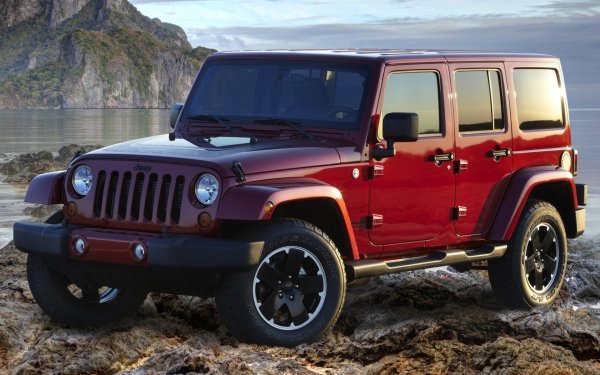
Some graphic fun

Featured Replies

  • Admin

Those look great your right AI is getting better

I have Mark R for that stuff he’s got a magic geni is his computer lol

I met mark watching his do a poster video using adobe illustrator where he put up a poster of the hulk and in forty minutes his poster he did from scratch looked better than what the poster from the movie company put out by at least ten times so we have been friends ever since over 20 yrs now

Here I go Again...

ezgiFlag-resize.gif

 Mark@AmericanJeeper.Com

  • Jeepers

AI is definitely getting better. It's like anything else though the more people use it and have it do different things the better it will get at its job. Well except for the kid I got stuck with this week. Had him for 2 months and he didn't retain anything I taught him.

Important Information

This is New takes only a second its about all of us and respect..Have at it...:) and Welcome...
Account

Navigation

Search

Search

Configure browser push notifications

Chrome (Android)
  1. Tap the lock icon next to the address bar.
  2. Tap Permissions → Notifications.
  3. Adjust your preference.
Chrome (Desktop)
  1. Click the padlock icon in the address bar.
  2. Select Site settings.
  3. Find Notifications and adjust your preference.